

Work order management software for technicians
Create work orders, assign them to available technicians, and track their progress in real time from reporting to completion, with a full history for each piece of equipment.

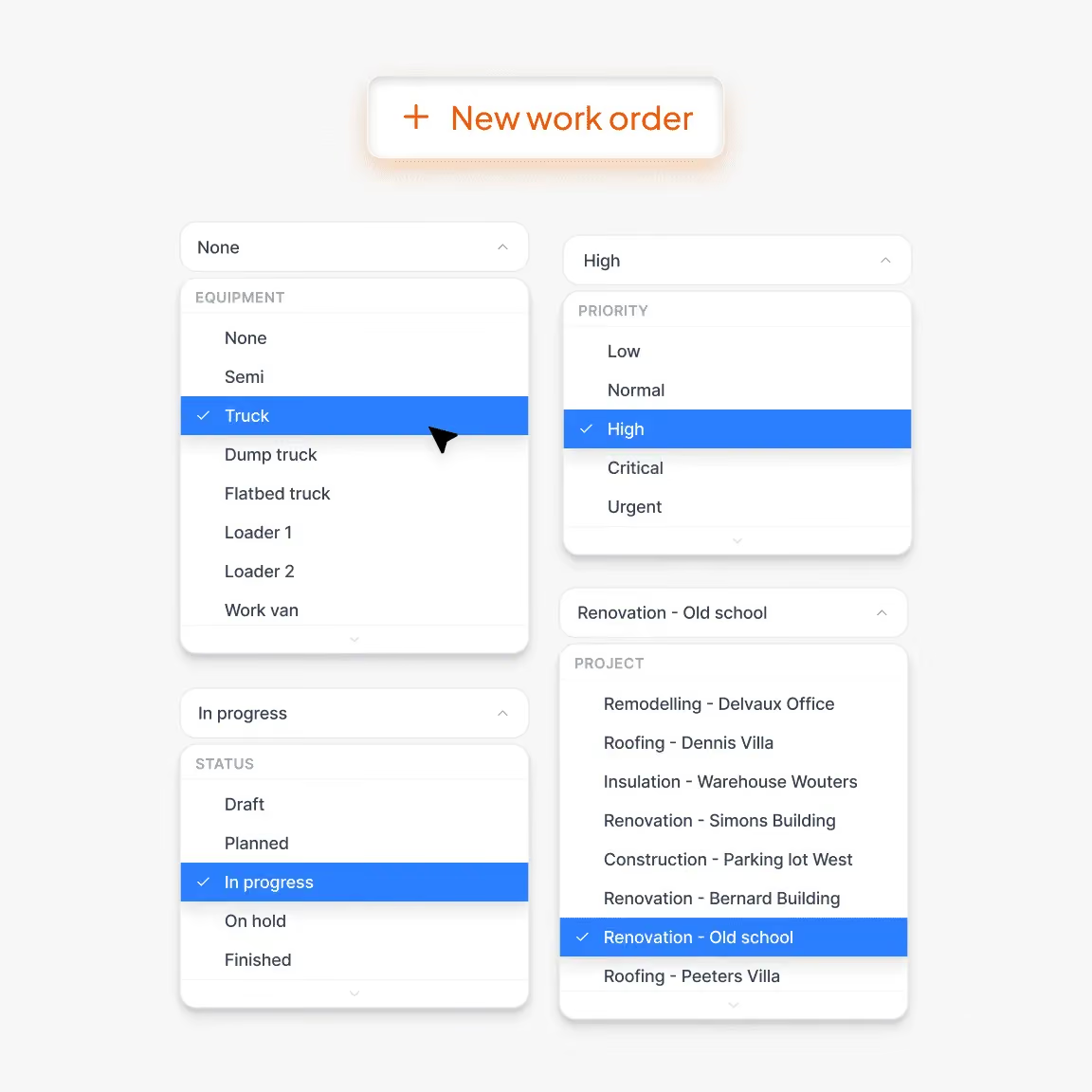
Create a work order, assign it, and track it through to completion
Work orders (WOs) structure the tasks to be performed on a project or piece of equipment. Each WO has a clear status (new, scheduled, in progress, completed) and a priority level visible to the technician as soon as they open it.
- Quick creation with direct association to an appointment
- Actions, documents, forms, and items attached to each WO
- Status and priority tracking in real time
- Complete history by WO and by equipment
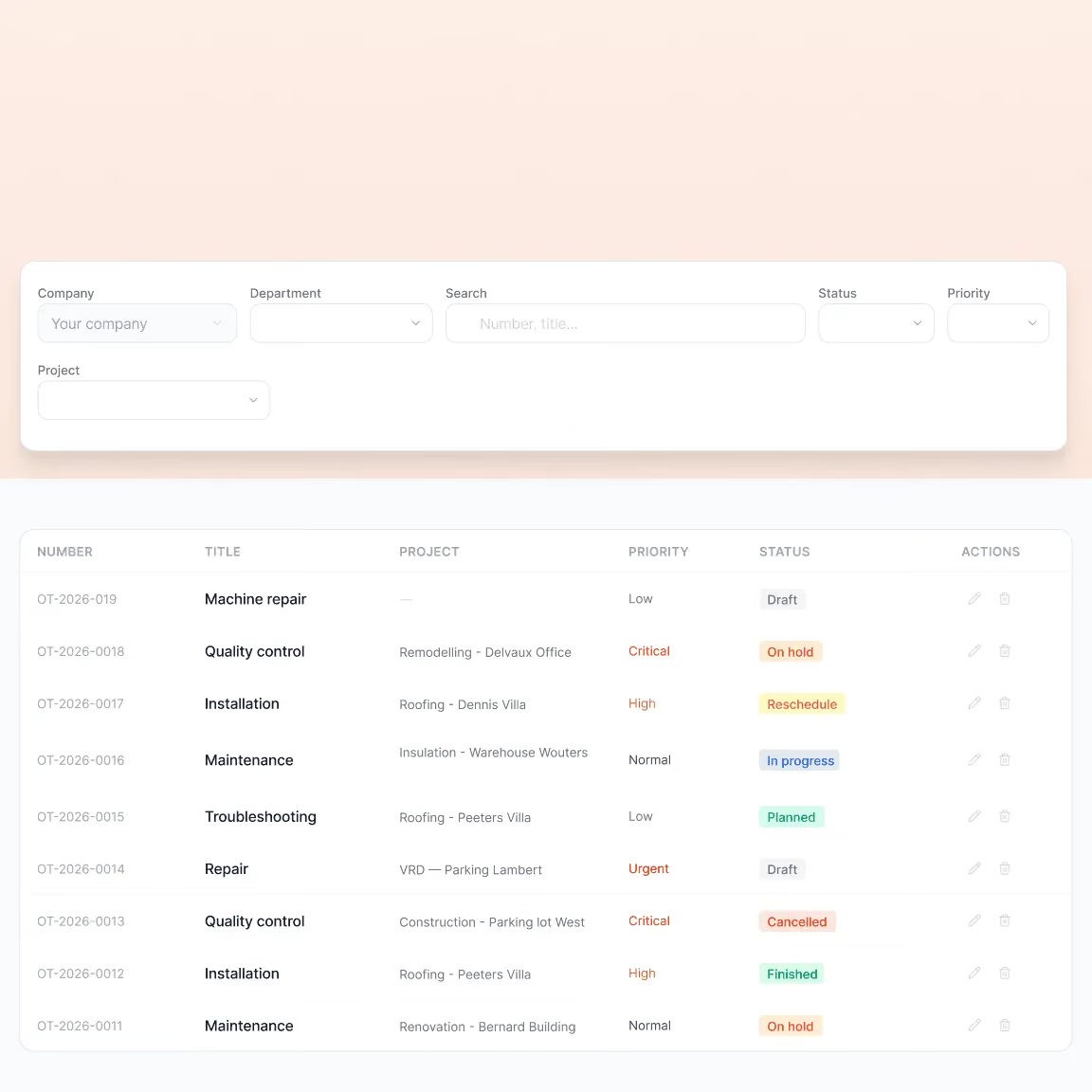
Manage urgent tasks without losing track of routine work
Create a work order in a few clicks, assign it to an available worker and track their progress in real time. The complete history by work order and by equipment ensures full traceability of your operations.
How T-Report simplifies the coordination and tracking of your teams.

Scheduling & Time Tracking
Schedule workdays from your PC, let your teams clock in from their smartphones, and retrieve hours worked, ready for payroll, without any manual data entry.

Service call
React to the unexpected in seconds: create an intervention from the office or mobile, assign it to an available technician, and schedule your recurring tasks in advance.

Calendar incident (absences/leave)
Anticipate staff unavailability, process leave requests in a few clicks, and reorganize your schedule without service interruptions.

Notification
Receive an instant alert as soon as a clock-in is missing, a job is added, or an incident is reported, without having to constantly monitor the software.
Ready to save hours every week?
We will visit you in person for free to show you how T-Report could integrate into your business.