

Scheduling software for electricians and energy companies
Field service management and PC 149 automotive compliance.
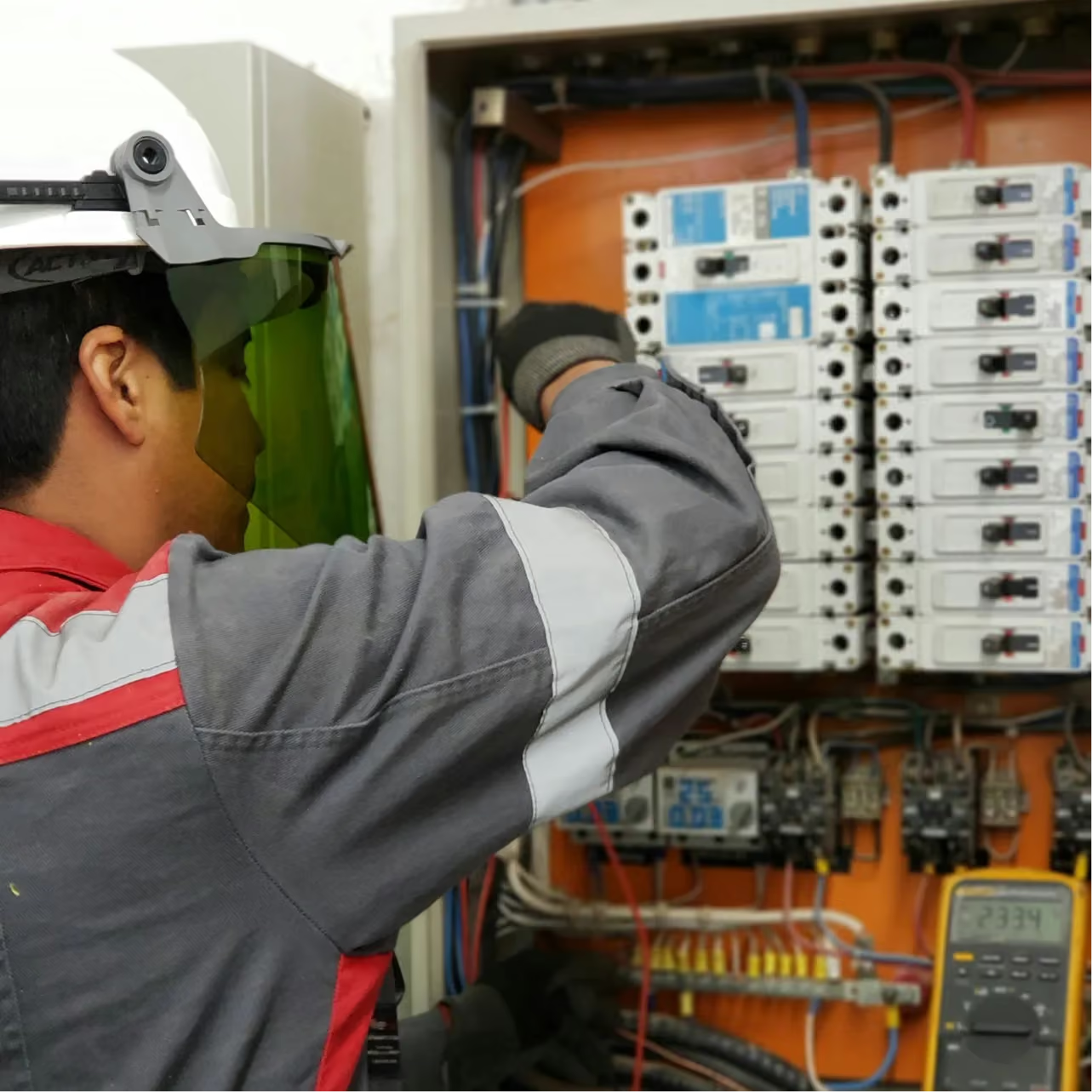




Three concrete reasons to switch to T-Report
In the energy sector, every hour lost to paperwork is an hour less in the field. T-Report gives you that time back.
No more paper timesheets
Each technician logs their hours and tasks directly from their smartphone. Everything is centralized, ready for payroll, with no manual data entry required.
Respond in just a few clicks
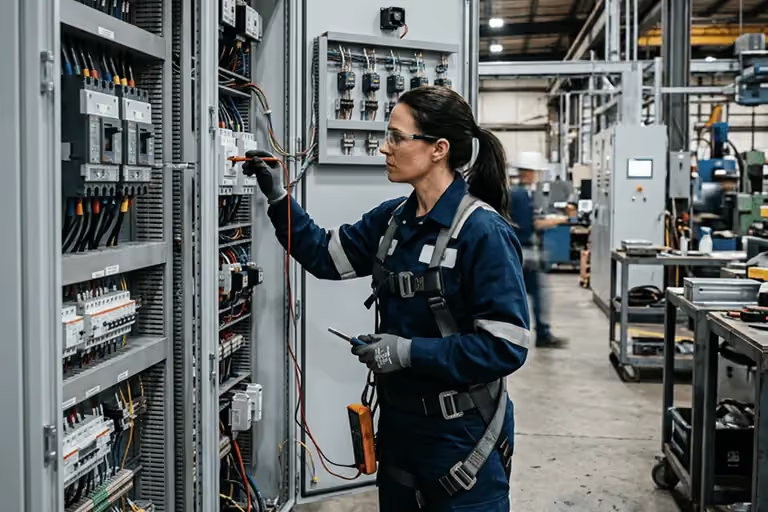
Breakdowns, last-minute absences, urgent calls... reschedule your team in real time and notify the technician directly through the app.
Automated PC 149 management
T-Report calculates travel allowances according to Joint Committee 149 and exports the data directly to your payroll provider.


What our clients say about us.
Administrator
,
Entreprise Colleaux
HR Director
,
Putman Group
.avif)
Administrative Department
,
Stefanatto

Human Resources
,
BDTI
Ready to save hours every week?
We will visit you in person for free to show you how T-Report could integrate into your business.
Your questions, our answers.
What is included in the subscription?
The basic subscription provides access to all essential T-Report features, starting at €7.60/person/month (with volume discounts for every 50 people).
Only three optional add-ons are available:
- Check-in@Work — ONSS attendance reporting (construction sector)
- Check-in/Out — on-site entry/exit tracking
- Commuting allowance calculation — travel allowances based on your joint committee
Everything else is included.
Can T-Report be connected to our social secretariat?
Yes. T-Report is compatible with the main Belgian social secretariats:
- Partena
- UCM
- Acerta
- Group S
- Liantis
- Sdworx
Performance data is transmitted directly — no re-entry, no intermediate files.
What happens if something happens to one of your team members?
Business life can be full of surprises—departures, changes, and all sorts of unexpected events. T-Report is designed to help you navigate these moments without a hitch.
Our teams handle:
- Deleting or deactivating the relevant account
- Transferring access to another team member if needed
- Full continuity of your data and history
Your schedules stay in place. Your data, too. And your subscription adjusts accordingly.
Which time tracking system is right for your business?
Choosing a time tracking system depends on the specific needs of each company. Beyond simplifying schedule and attendance management, such a system allows you to track your resources and export service data to your payroll provider.
Several options are available:
- Physical time clock (facial recognition or fingerprint)
- Pointage mobile via the TR ONLINE app.
Regardless of the solution chosen, support is a key step in digitizing your organization and making the most of the available features.
Should time logs be checked daily?
Not necessarily. Every company organizes itself according to its own preferences, as long as the service records are submitted to the payroll provider each month for salary processing.
That said, regular checks help you catch missed clock-ins or errors before they impact payroll. T-Report applies the "validated, completed, and closed" rule: each step is finalized before moving on to the next, thanks to a triple-validation system for time logs via the PC software. This ensures data is accurate and complete, reducing the risk of errors during payroll.
How long does implementation take?
This depends on several factors:
- The size of your company and the number of users: The more users there are, the longer the implementation may take.
- Your industry: Some industries require more time.
- Your availability: Implementation can be slowed down depending on your availability throughout the process.
For a smooth implementation, we recommend having a single point of contact who is fully dedicated to the project.